Daily, individuals exchange files, whether it is for work, school, or personal projects. The most crucial factor is often the format of these files. Because of this, PDF (Portable Document Format) has been in high demand, as it maintains the layout of the content irrespective of the device. But occasionally, documents come in formats that are more difficult. This is where a PDF converter becomes useful, as it enables individuals to effortlessly convert a document into a PDF or vice versa.
Understanding PDF Converters
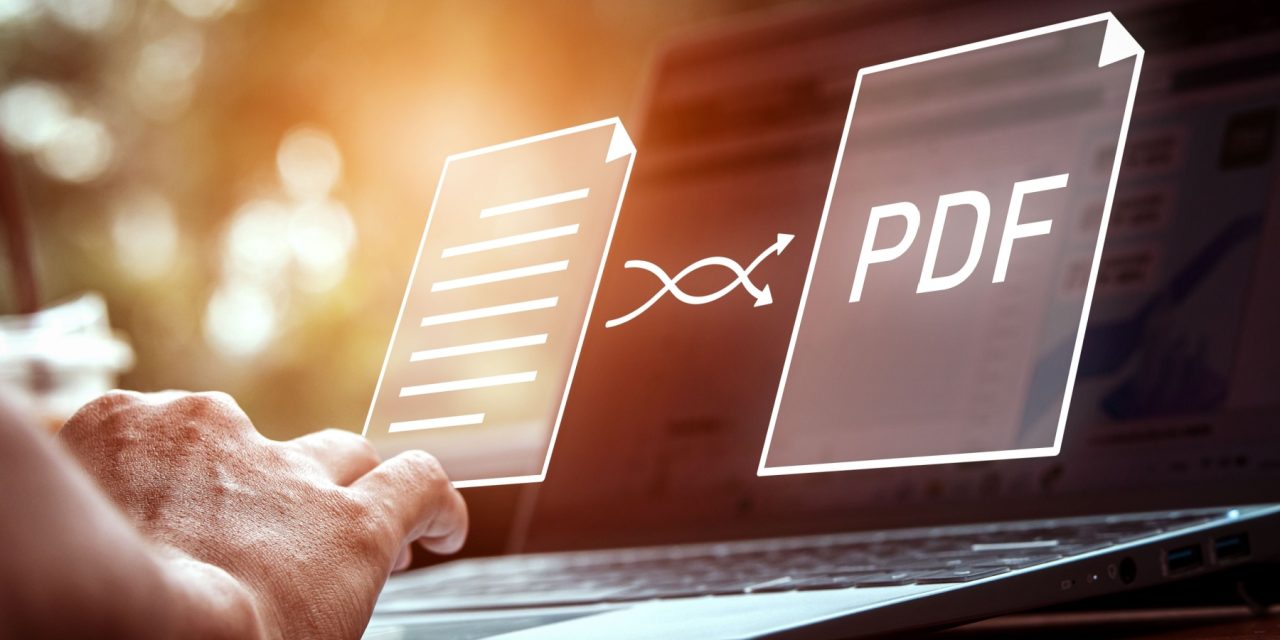
A PDF converter is a tool that helps convert documents from one format to another to make them easier to deal with according to need. For example, there might be a word processing document that someone wants to send securely. Then, a converter will make a PDF file for you, so the other party sees it as it is. The reverse works too. With this tool, you can grab text or images from a PDF and then edit them.
Advantages of Using a PDF Converter
One clear benefit is consistency. PDFs ensure that the original creator’s intent is preserved, regardless of the recipient’s device or software. This consistency forms trust, which, when used in a professional environment, is rather critical. Another advantage is security. Most PDF converters let you add passwords or disable editing, preventing unauthorized changes to sensitive information. It comes with features that ensure the security of crucial documents.
Improved Accessibility and Compatibility
Not all devices and programs handle every file format well. Sometimes, an important file will not open or display incorrectly on another computer. PDF converters solve the problem by creating files that work across different platforms, from phones to desktop computers. By converting documents to PDF, users improve the chances that recipients can open and read them without any trouble. This universal compatibility reduces frustration and saves time.
Effortless Editing and Extraction
PDF converters also come with some tools to either extract or edit the content inserted in a file. As an example, a report only exists as a PDF that someone needs to update. It is then in a word processing format, so it is easy to change. Those changes are then saved into the PDF file, and the file can be converted back into PDF format again for distribution. It enables smooth and efficient workflows, especially when updates are frequent and important.
Compressing The File To More Easily Share
Large files typically hinder email or cloud sharing. Options to compress documents to a smaller size without compromising quality are often part of PDF converter offerings. Such functionality comes in handy when you are transferring files on a limited internet connection or when you are running low on storage. Compressed files are quicker, more portable, pop up, and work in collaboration.
Preserving Document Quality
A common issue with converting files is losing some formatting or quality of an image. Quality PDF converters strive to preserve the appearance and format of the original document. Text remains clear, images remain clear, and there is no unexpected reflowing of the layout. By taking care of such details, the converted files remain professional and readable.
Saving Time and Boosting Productivity
This manual method is time-consuming and error-prone. If you are in an office working with documents all day, this is a tedious and time-consuming process, which is why PDF converters are here to do this for you and save you ample valuable time. Fast conversions allow you to spend less time reformatting documents and more time on creative or important tasks. In the long run, this efficiency translates to increased productivity; users are able to do more with less stress.
Supporting Collaboration and Sharing
Different file types are often used when sharing work with others. In this situation, PDF converters provide a solution by generating files that are widely accessible. It streamlines the whole process, whether you want to get feedback, gather signatures, or just provide information. This means that groups can collaborate without running into technical barriers or fragmentation.
Conclusion
PDF converters serve as an excellent choice to share, edit, and encrypt your documents. They ensure quality, reduce the size of the file, and are highly compatible with multiple devices. That is where forcing a PDF converter to go from knowledge to older PDF files makes life easier, saves time, and allows better dialogue. If you work on any critical files, then you should add a new tool to your tool belt today.